

ACSO’s Community Care Portal streamlines the way ACSO and partner agencies share and receive information.
By centralising data, the Portal significantly enhances and simplifies referrals and creates substantial time efficiencies for our partners, allowing them to focus more on client care and less on administration.
About the Portal
- Referral Agencies (Courts/Corrections): Track client treatment progress in real-time.
- Treatment Providers: Secure access to up-to-date client history and information.
- Accurate Reporting: Easily record client progress, treatment milestones, and provide confident compliance reporting.
Portal Resources & Support
Everything you need to master the ACSO Community Care Portal is below. Click a heading to jump straight to the relevant guide:
Register for Community Care Portal access
The Community Care Portal is a web-based application, you can access from your browser.
Before logging into the Portal for the first time, you will need to register for access. This one-time registration ensures that your account is securely linked to your organisation and permissions are correctly set.
Simply click the Register button below to start the process.
From 24 November, after your registration request has been completed by ACSO, you will have access to the Portal by clicking the Portal button below.
Have questions? Scroll down to contact the support team.

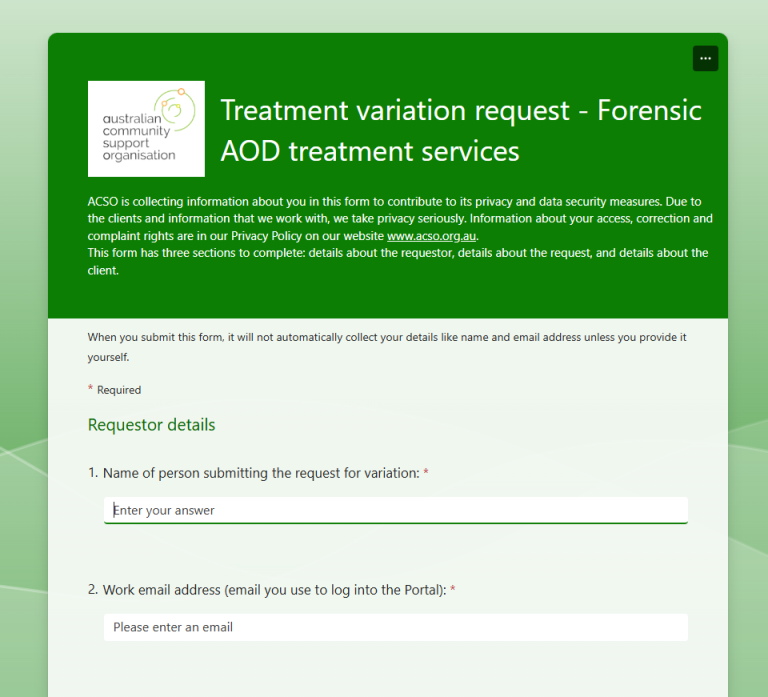
Request a change to an open service request
Select the button below and complete the form to start the request process.
Training videos and support materials
Notice: Resource updates in progress
Due to recent enhancements to the Community Care Portal, some guides and supporting resources are currently being reviewed and updated to reflect system changes.
We appreciate your patience while this work is underway and recommend checking back regularly for the most up‑to‑date guidance.
Treatment agencies
Referrers
Portal Release Notes
Portal release notes and information on release dates will be published in this section.
Contact Us
Click on the Contact Us button below to submit your Community Care Portal enquiries.